
Administration · Chapter 8
Licensing
The SRT Gateway is licensed software. Each device needs an active license to operate.
How the license works
The license is bound to the device MAC address — a unique identifier of its hardware, which you saw in the installation summary (chapter 6). A license is valid for one specific device and cannot be transferred to another.
Activating the device
For a Gateway to work, its MAC address must have an active license before it is put into service. The license is managed by your provider or the system administrator: give them the device MAC address so they can register it.
What happens without a license
A device without an active license does not register and delivers no signal. If a device stops working due to a licensing problem, contact your provider.
The system installer needs no passwords or keys. The license is the sole authorisation: it protects use of the system without getting in the way of installation.
For administrators — the fleet panel
If you manage several devices, a web panel gathers them in a single view. It lets you see the status of each device, control its streams and configure it without entering each one separately.
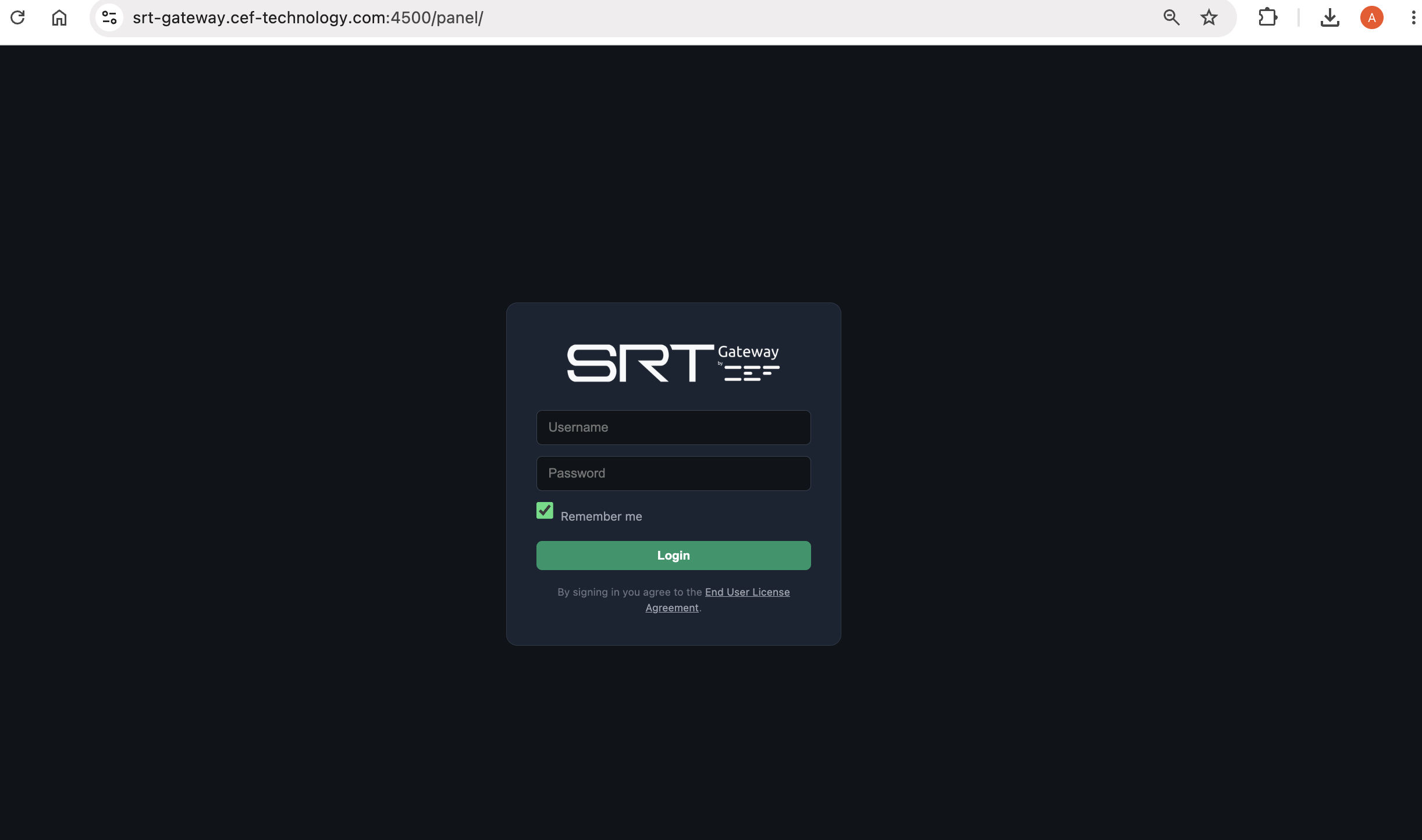
Accessing the panel
Open in the browser:
https://srt-gateway.cef-technology.com:4500/panel/
Use the administrator username and password provided by CEF.
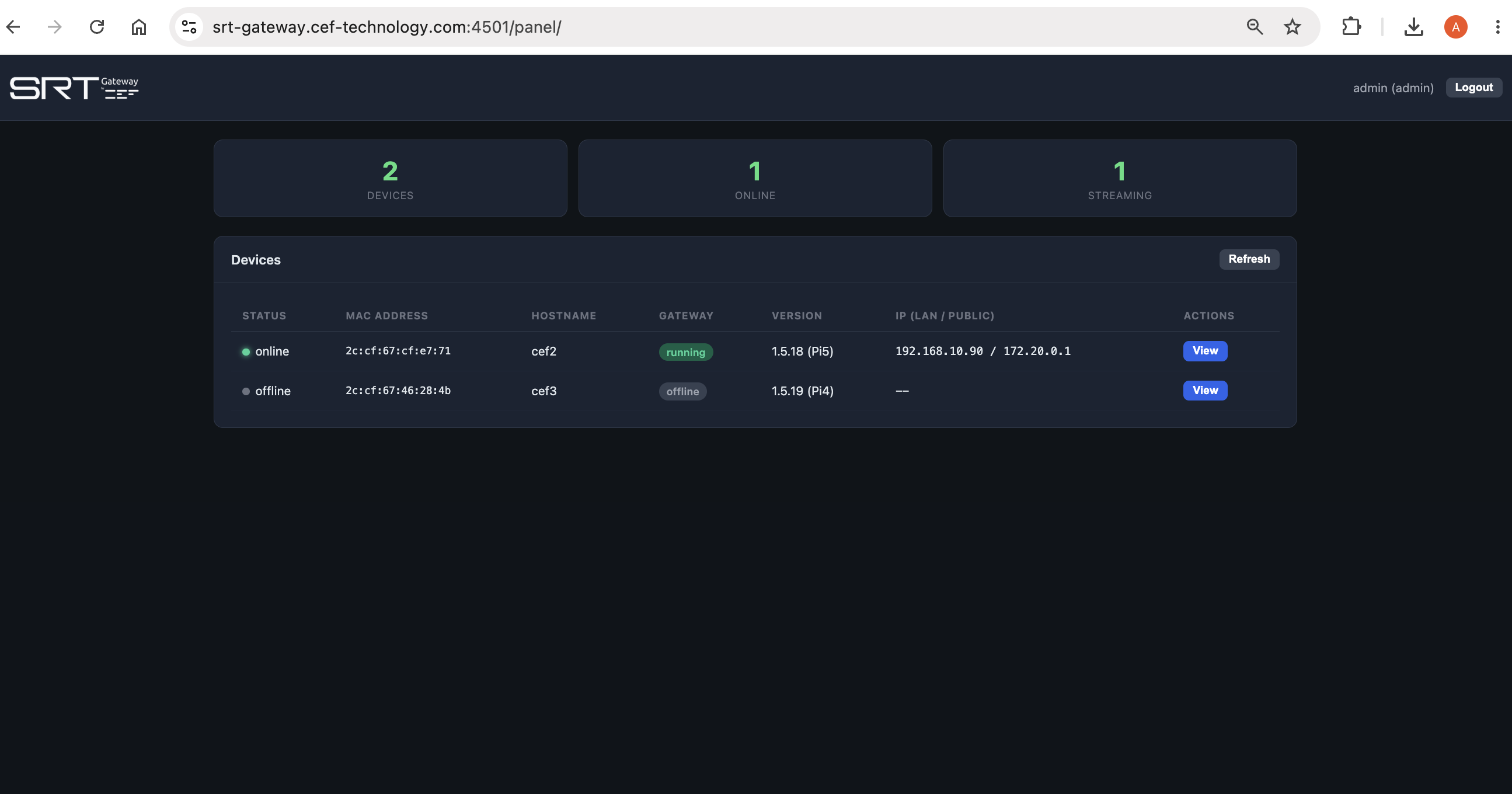
Overview
Once inside, you see three general counters (how many devices there are, how many are online and how many are streaming) and the list of all devices with their status, MAC address, name, version and IP address.
Device detail and actions
Press View on a device to see its full detail and control it. From the detail you can:
- Start / Stop / Restart Streams — remote stream control.
- Restart Gateway — restarts the device service.
- Update Firmware — updates the device system to the latest version.
- Reboot Device — restarts the whole device.
- SRT Config / Individual Sources / UDP Output — opens the same dialogs as the device's local interface, but from the central panel.
